
AI assistants
Team channel knowledge ingestion workflow
Automatically captures Microsoft Teams channel posts into a centralized AI knowledge platform to preserve institutional knowledge and streamline search.
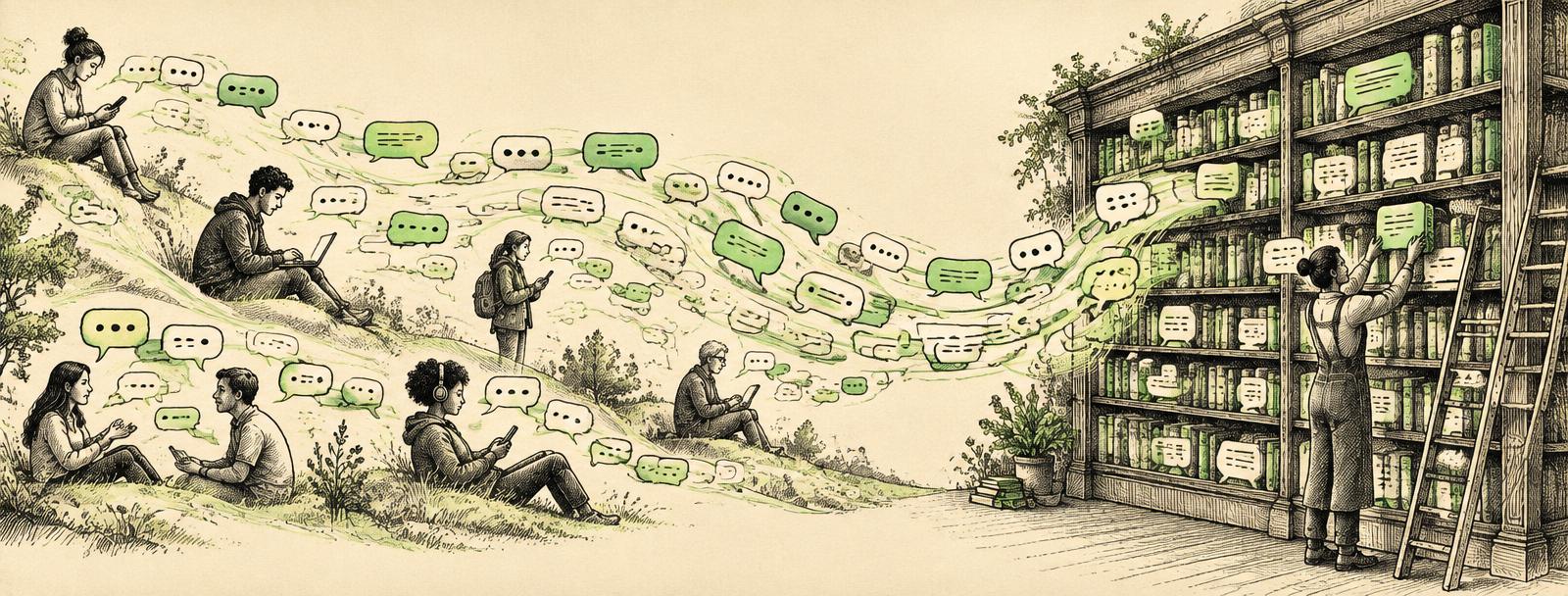
Designed for cross-functional departments—including leadership, operations, customer support, and sales—who rely on Microsoft Teams for fast-moving project updates, troubleshooting guidance, and operational decisions.
Unlike standard chat archives where vital context is easily buried, this solution continuously pushes message content, metadata, and direct permalinks into an AI knowledge repository, supported by a backfill utility for historical discussions.
The problem
Valuable operational updates and troubleshooting solutions shared in Microsoft Teams channels become difficult to locate once conversation feeds scroll forward. Team members waste time searching through chat histories or asking duplicate questions. Without automated capture, critical institutional knowledge remains trapped in unstructured message threads.
The solution
A Microsoft Power Automate workflow monitors designated Teams channels to automatically extract message text, contributor details, timestamps, and permalinks into the central AI platform. The implementation includes manual push triggers directly inside Teams and a historical backfill process to capture earlier posts or recover failed runs. Once transferred, the content is indexed and structured for rapid search, automated categorization, and executive summaries.
The goal
Capture and index Microsoft Teams channel discussions into an AI knowledge library for fast discovery and long-term retention.
Turn the page · Entry 24 of 51
Next in the notebook
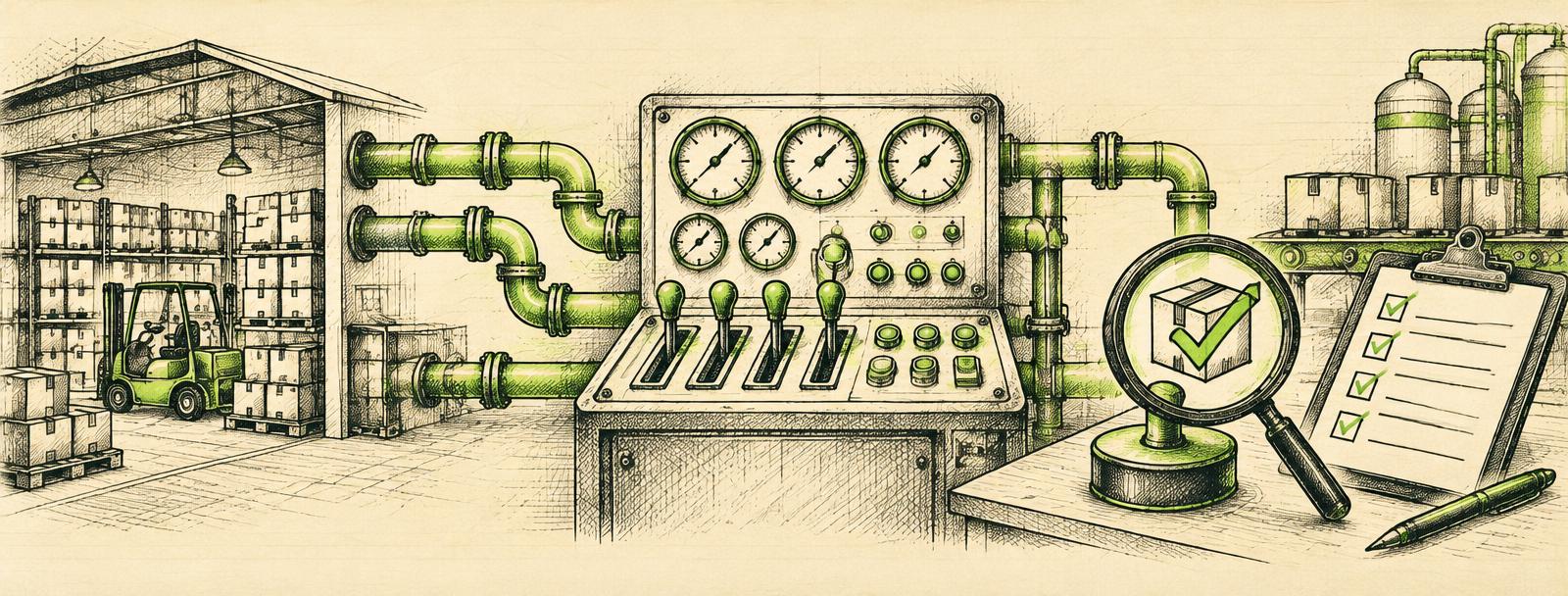
Unified operations console and order assistant
An operational console that unifies enterprise data to automate quality control, streamline order requests, and track back orders across customer service teams.
Flip to it
Plate · Next step
Bring one real problem. Leave with a clear next step.
Tell Will what you'd like to improve. He'll review your note and suggest a next step. No preparation required.